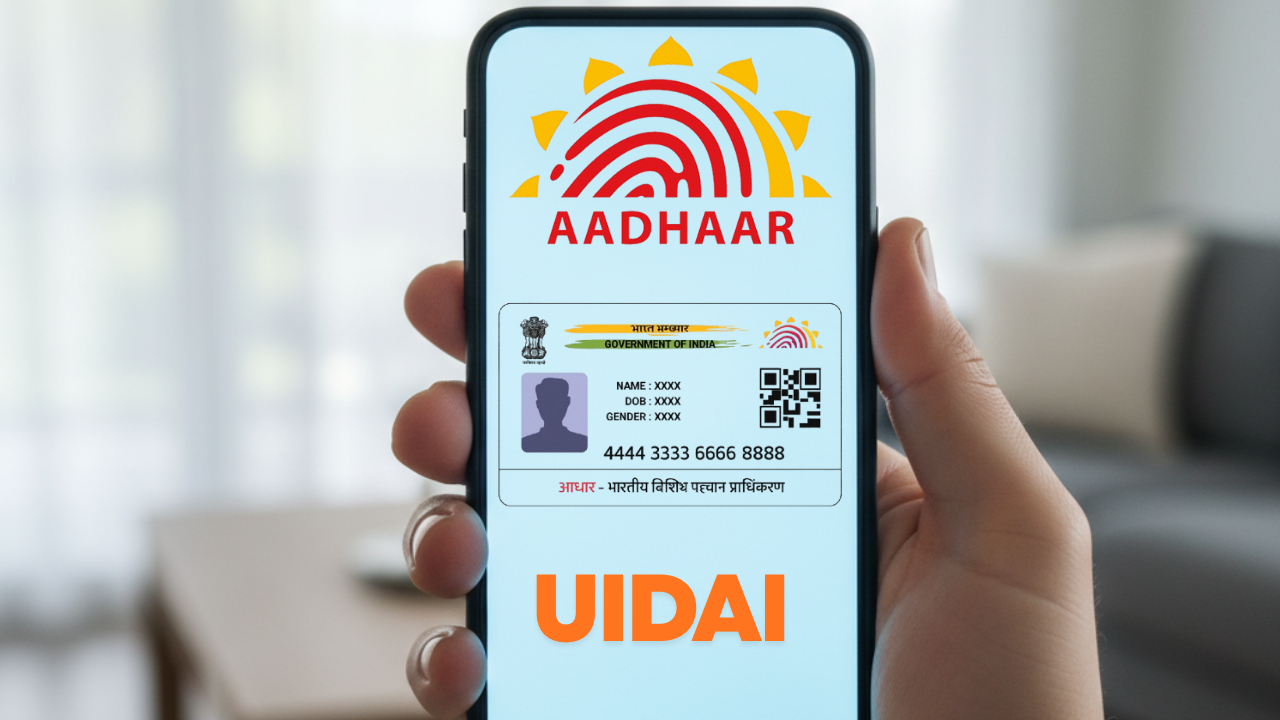
The new Aadhaar app is an advanced, modern tool for digital identity, allowing users to access, store, and share their Aadhaar information securely from their smartphones. Designed for convenience and security, the app will make access to Aadhaar go digital and paperless, permitting stronger privacy controls.
What is the new Aadhaar app?
The new Aadhaar app, according to UIDAI, is a “next-generation digital identity platform.” It allows users to carry their Aadhaar digitally in a verifiable, encrypted format instead of relying upon physical cards or printed copies. The app is available on Android and iOS and offers your Aadhaar details, QR code sharing, and biometric controls all in one place.
Importantly, it is not yet a full replacement for the older mAadhaar app, which still handles services like downloading of e-Aadhaar PDFs or updating demographic information. Instead, this new version focuses on secure storage, sharing, and verification of Aadhaar credentials.
Key Features of the Aadhaar App
- Multi-Profile Support
Users can add up to five Aadhaar profiles on one device, but all must be linked to the same registered mobile number. This feature makes it easy for families to manage multiple Aadhaar cards from a single phone.
- Biometric Lock/Unlock
You can lock or unlock your biometric data—fingerprint and iris—in the app. This will prevent unauthorized access to them and hence act as additional security for your personal data.
- Face Authentication
The app allows for live face verification at the time of login and profile creation, enhancing security so that only the rightful Aadhaar holder can access their details.
- QR Code and Verifiable Credentials
You can securely share the details of your Aadhaar via QR code or verifiable digital credentials. You can even mask your number and share only what’s required by the service provider.
- Offline Access
This application allows the scanning of a QR code and display of identity even without access to the internet; hence, it is handy for on-the-go verification.

How to Download and Register
Here’s how to set up the new Aadhaar app:
- Download the “Aadhaar” app of the UIDAI from the Play Store or App Store.
- Select your preferred language.
- Enter your 12-digit Aadhaar number.
- Verify through OTP sent to your registered mobile number.
- Perform full-face authentication when requested.
- Set a secure six-digit PIN for login.
- Create additional family profiles, if necessary.
How It Differs from the mAadhaar App
While mAadhaar was developed around managing Aadhaar and its service updates, the new Aadhaar App puts security and digital sharing in focus. It is designed to act as a portable Aadhaar wallet, managing how and when your data is shared.
Why It Matters
The new Aadhaar app heralds a whole new leap in digital identity transformation in the journey of India. It dissolves the need for a physical Aadhaar card, increases privacy through masked sharing, and simplifies biometric data control.
Support for multiple profiles creates more convenience for families. However, until all the institutions accept digital Aadhaar, the users are advised to keep the physical card or PDF backup. Always download the app from UIDAI’s verified source and keep your phone secured with biometric or PIN locks.
Final Thoughts
The new Aadhaar app is a smart, secure, and user-friendly way to carry your identity digitally. It introduces such features as biometric locks, face authentication, and verifiable QR sharing, reinforcing the digital ID ecosystem in India. Though it doesn’t replace mAadhaar completely yet, it’s a major leap toward a secure, paperless Aadhaar experience for millions of users.