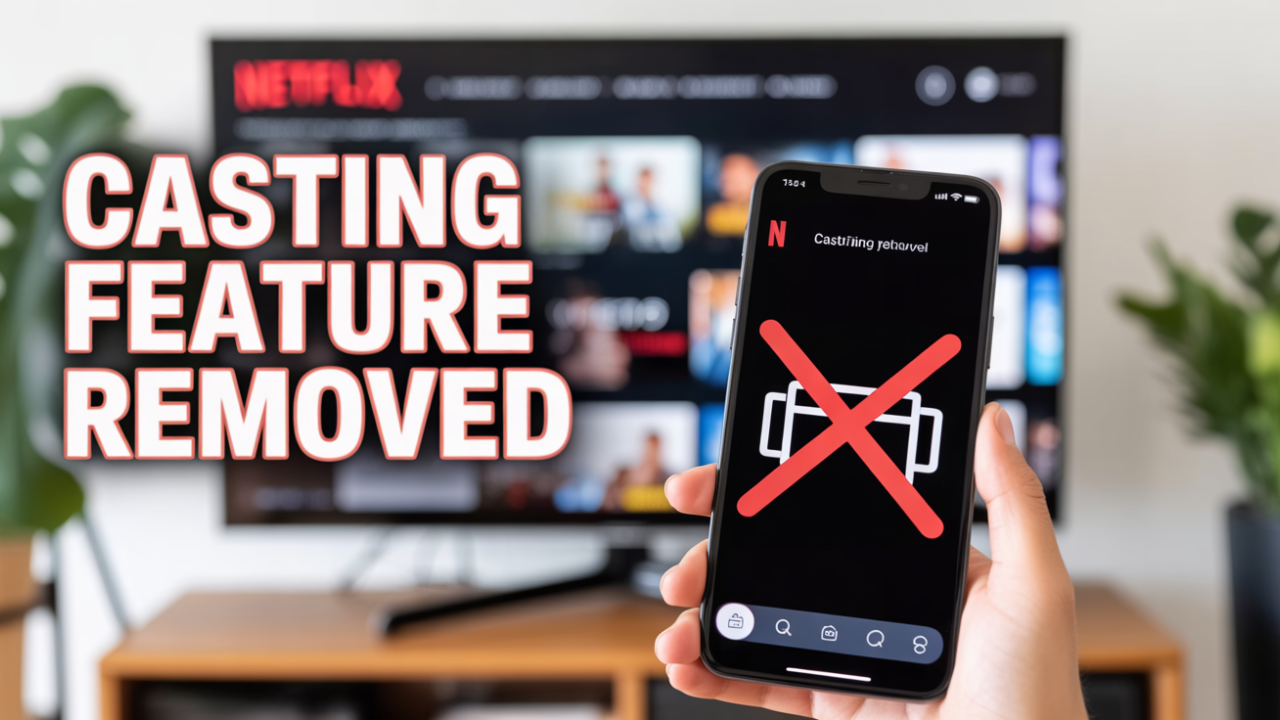
Netflix casting has rolled out a major update that removes casting support from its mobile app. Users can no longer cast content directly from their smartphone to smart TVs, Chromecast devices, or streaming sticks. This is a significant shift for viewers who depend on one-tap casting for quick streaming.
The update is already rolling out globally and will reach all users in the coming weeks.
Why Is Netflix Removing Casting Support?
Netflix has not given an official reason, but several likely explanations align with the platform’s recent app redesign:
Possible Reasons
- Promoting the use of native apps on smart TVs
- Tighter content protection and stricter DRM enforcement
- Improved streaming quality and better bandwidth optimization
- Simplifying the mobile interface for upcoming AI-powered features
With this change, Netflix seems to be directing users to access the platform using TV apps instead of casting.
What Will Change for Users?
What You Lose
- The Cast icon will no longer appear in the Netflix mobile app
- Casting via Chromecast, Android TV, Google TV, or supported smart TVs will not work
- Using your phone as a remote for Netflix on TV will be limited
What Stays the Same
- Netflix will continue to function normally on smart TVs
- Users can still stream directly via native TV apps
- Playback quality may even improve due to optimized native apps
Casting Alternatives You Can Still Use
Even though direct casting from the Netflix app is removed, users may try the following alternatives:
1. Use the Native Netflix App on:
- Android TV
- Google TV
- Samsung Smart TVs
- LG webOS
- Fire TV Stick
- Apple TV
2. Screen Mirroring (May Not Work for DRM Content)
- Miracast
- AirPlay (iPhone to Apple TV)
3. Cast Screen from Device Settings
Note: Netflix may block playback due to DRM restrictions.
These alternatives are less convenient but still offer some level of flexibility.
How This Affects Smart TV Users
Most users who already rely on built-in Netflix apps will not face issues. However, this change may significantly affect:
- Students
- Shared home users
- Travelers using hotel TVs
- Households using Chromecast-only setups
For them, the removal may feel limiting and inconvenient.
Upcoming Changes Expected from Netflix
Netflix is reportedly preparing for major upgrades, including:
- A redesigned TV app interface
- Better mobile-to-TV syncing capabilities
- AI-powered navigation, suggestions, and interaction features
These changes may explain why casting support was removed, as Netflix appears to be working on a more integrated future interface.
Summary Table — Netflix Casting Support Change
| Feature | Before | After |
|---|---|---|
| Mobile app casting | Supported | Removed |
| Chromecast support | Via app | No |
| Control TV playback via phone | Yes | Limited |
| Native TV app streaming | Yes | Yes |
| Screen mirroring | Partially | Partially (may block DRM) |
| Feature rollout | Global | Global |
Final Thoughts
Removing casting support is one of Netflix’s biggest functional changes in years. While it may frustrate users who relied on direct mobile-to-TV streaming, the decision suggests that Netflix is moving toward a more unified and controlled device ecosystem.